Quick note: the Trybe link in this post is an affiliate link. If you sign up through it we might earn a little, at no extra cost to you. Full affiliate disclosure.
You can edit UGC videos with Claude. You dump all your raw footage into one folder, takes, B-roll, the lot, and Claude does the edit: it picks the clean takes, cuts the ums and pauses, adds captions and on-screen text, and builds 10 to 20 alternative hooks in minutes without you touching an editing app. Extra hooks are something brands pay for, so the time you save can turn into a bigger invoice. None of the video is AI-generated: every clip is you. The AI is the editor, not the creator. Our $29 class shows you exactly how we set it up.
It is Tuesday night. You have seven takes of the same 30-second script on your phone. One of them is good. You cannot remember which one, and the thought of scrubbing through them all in an editing app makes you want to lie on the floor.
That is not a discipline problem. Filming is the creative bit, and most of us love it. Editing is a pile of tiny, fiddly decisions in an app that was designed by someone half our age. You are not the problem - the model is. So we changed the model.
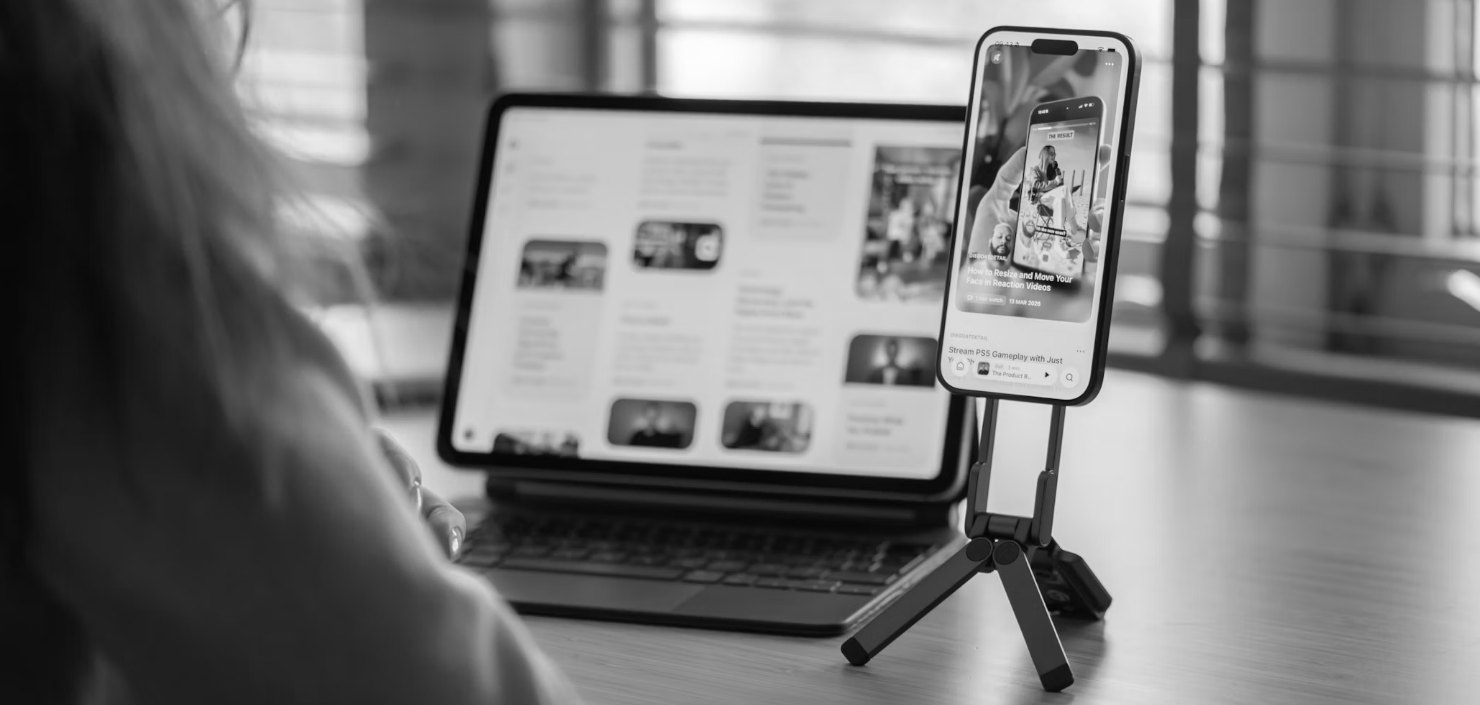
Why does editing stall so many UGC creators?
Look at what one UGC video asks of you after filming. Find the clean take. Cut every "um", every false start and every long breath. Put the B-roll on the right words. Type the captions. Add the hook text. Then do it all again for every hook the brand wants to test.
None of that is hard on its own. Together, it is your whole evening, and it is the part where videos quietly die in the camera roll. If you are newer to all this, our guide on how to become a UGC creator in Australia walks through the full path. This post is just about the editing.
Can Claude actually edit a UGC video?
Yes. Not in a normal chat window, but with the right set-up on your own computer, Claude can open your video files and do the edit for you. You talk to it in plain English. No timeline, no dragging clips around, no tutorials on which button does what.
Here is what it handles once your footage is in:
- The sorting. Talking clips, B-roll, product photos, music and the brief go in one folder, in any order, with any file names. Claude works out what is what.
- The cutting. It picks your clean take and cuts every pause, stumble and "hang on, let me start again".
- The structure. It builds the ad in the shape brands buy: hook, problem, solution, proof, call to action, with your B-roll on the right words.
- The polish. Captions, hook text, zooms and transitions.
- The music. It picks a track that suits the product and the mood.
- The checking. It reviews its own edit and fixes what it finds before you see it.
What do you still do yourself?
Everything that makes it UGC. You film the talking head, record the voiceover and shoot the B-roll. No AI-generated video goes in at all. That is the whole point: brands are paying for a real person with real experience, and nobody can fake that.
How much time does it actually save?
The honest answer: most of the editing time, because you stop editing. Here is how Mia's week runs:
- Film everything in one go. Talking head, voiceover and B-roll, batched so you only set up once.
- Dump it all in one folder per brief. No sorting, no renaming.
- Give Claude the brand brief. The product, who it is for, what the brand wants said and what to avoid. That tells it which hook to lead with and which lines go on screen.
- Walk away. Put the kettle on, do the school run. When you come back there are several versions waiting, not one you have to build by hand.
- Check, tweak and send. You watch every version before it goes anywhere. It is your face and your name on it, so the final call is always yours.
Mia got 40 UGC videos out this week working this way. That is her week, her footage and her brands, not a promise about yours. What it shows is where the hours went: filming and checking, not scrubbing timelines.
If your brain runs on interest and short projects, this matters even more. The editing pile is often where an ADHD creator stalls, and handing it over keeps the brief moving to the finish line.
Can Claude make alternative hooks for a UGC video?
This is the part that changes the money. Brands test hooks. The first three seconds decide whether anyone watches the rest, so a brand running ads wants options, not one video.
Doing that by hand means re-editing the same video over and over. With Claude, you film a run of different opening lines back to back, drop them in with the rest of your footage, and ask for the variations. You get 10 to 20 alternative hooks in minutes, each one cut onto the same body of the video, with its own on-screen text. You do not edit any of them.
Can you charge brands extra for hook variations?
Yes, and plenty of UGC creators do. Extra hooks are a common add-on in UGC packages, because they give the brand more to test from one shoot. When the variations take you minutes instead of an evening, offering them stops being a favour you resent and becomes part of what you sell.
It matters even more on a performance-based platform like Trybe, where brands run your videos as ads and pay on results. If one video takes an evening, you can only try a couple of ideas. If the same footage becomes ten or twenty hook variations while you get on with your day, you get far more chances for one of them to land. Our guide to UGC jobs in Australia and NZ covers how Trybe works and how it compares.
Submitting a lot of videos is not the same as earning a lot. Results are different for every creator.
What you charge is up to you and your market. We cover pricing, add-ons and how to put them in a quote in our UGC Course ($249 AUD incl. GST). Every creator's results are different, and nothing here is a promise of income.
Do you still need captions on UGC?
Keep them on for the version you send. Meta's own advice for video ads is to design for sound off, because most people watch with sound off, and to add subtitles for any dialogue. Claude adds them for you, so there is no reason to skip them. Captions are how your message lands on a muted phone.
What do you need to edit UGC with Claude?
- The Claude desktop app on your computer.
- A paid Claude plan. The editing runs in Claude Code, which Anthropic says is included with its Pro, Max and Ultra plans.
- Your raw clips, mistakes and all.
- Our class, so you are not working out the set-up alone.
You do not need to code, and you do not need to learn an editing app.
Want company while you learn it?
Content Creators 40+ is our UGC and content community for women over 40 on Skool: a UGC course built for 40+, weekly content prompts and a monthly live call with us. $29 USD a month, billed by Skool, cancel any time.
Join Content Creators 40+ →How do you set it up?
That is what our class is for. Edit Your UGC Videos with Claude is $29 AUD once-off on Stan, and it walks you through the whole thing, start to finish, in plain English:
- The full recorded class on editing reels with Claude.
- A walkthrough of the visual editor Mia built. Every clip sits on screen with a notes box next to it. You leave your notes, and Claude makes the changes.
- Our step-by-step set-up guide, so it is installed and working the same day.
- Our copy-paste prompts for your first edit, your hook variations and your changes.
- Editing, not filming, is where most UGC videos stall. It is a model problem, not a you problem.
- Dump all your raw footage into one folder and Claude does the edit: clean takes, cuts, captions, hook text.
- You can get 10 to 20 alternative hooks in minutes without editing any of them.
- Hook variations are a common paid add-on, so the time you save can become something you charge for.
- All the footage is yours. No AI-generated video. The AI is the editor, not the creator.
- Write your hooks before you film. Claude cannot add a line you never said.
- You check every version before it goes to a brand. Human led, AI powered.
Frequently asked questions
Yes. With the right set-up in the Claude desktop app, Claude can work with the video files on your computer. You put all your raw footage in one folder and it picks the clean takes, cuts the pauses and stumbles, places your B-roll, and adds captions and hook text. You watch every version and ask for changes in plain English before anything goes to a brand.
Film a run of different opening lines and Claude can build 10 to 20 alternative hooks in minutes, each cut onto the same video with its own on-screen text. Hook variations are a common UGC add-on that brands pay extra for, because they give them more to test.
No. You talk to Claude in normal words, like "use a different take for the hook" or "cut the line about price". You need the Claude desktop app and a paid Claude plan. Our $29 class, Edit Your UGC Videos with Claude, walks you through the set-up step by step.
No. None of the video in this workflow is AI-generated. Every clip is you: the talking head, the voiceover and the B-roll. Claude only does the editing. That matters because brands are paying for a real person with real experience.
Rules differ between brands and platforms, so read each brief and the platform terms, and be upfront if there is any doubt. This is not legal advice.
✨ How this was made: This post was created with AI, working from our own ideas, opinions, frameworks, offers, content and voice, and pulling from our second brain. We always check our work before we publish. Human led. AI powered.